A clock in app
that never loses an hour.
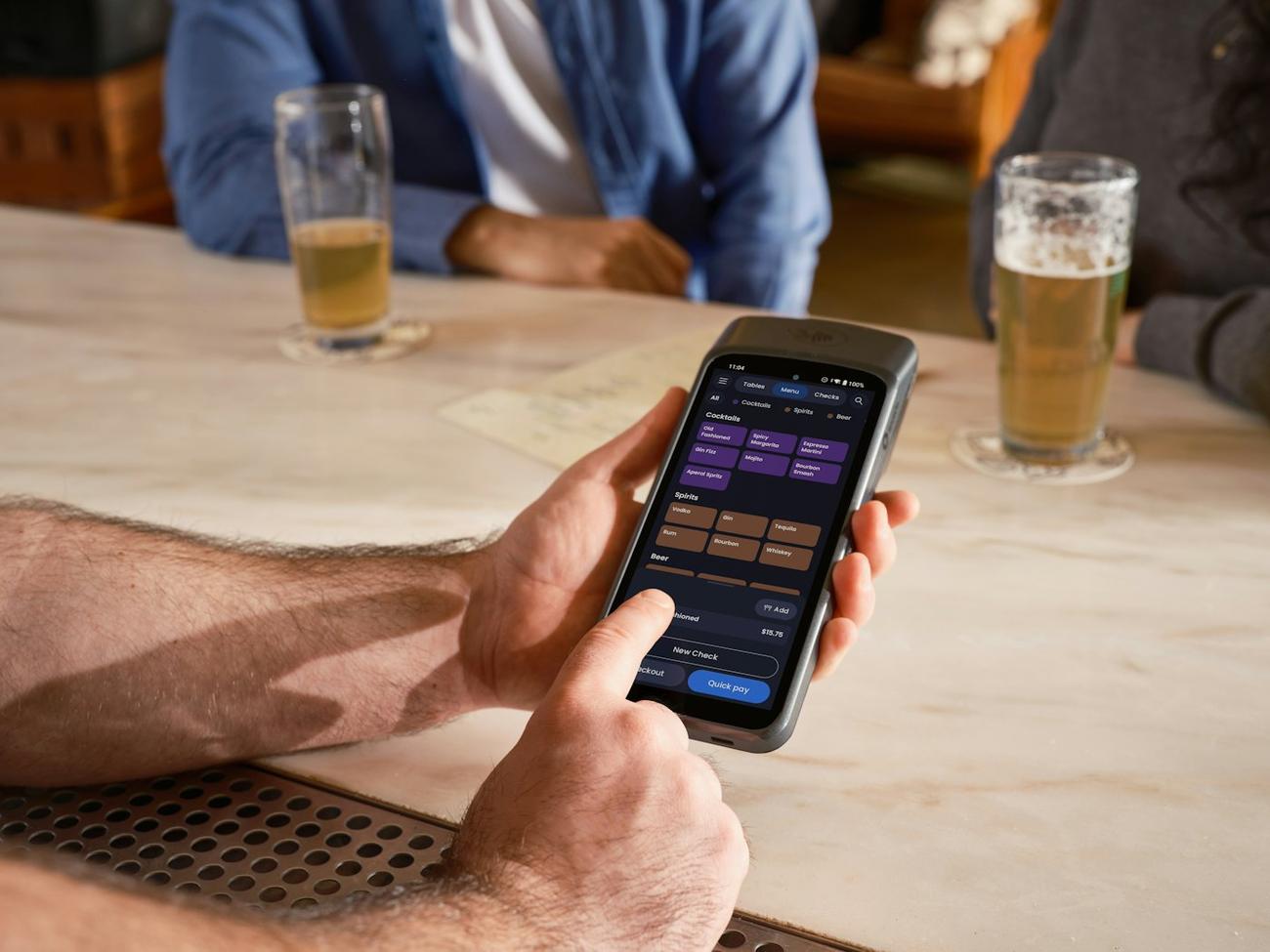
Staff clock in on their own phone inside a radius you set, or on a shared kiosk. No signal? The punch keeps the moment the button was pressed and sends itself later.
Built by venue and ops managers with 25 years in hospitality between us.
Less admin. More control.
At the venue, not the bus stop.
A clocking radius around each venue, found from its address.
Hours that add up.
Breaks, corrections with a reason, and approval before anything is exported.
Pay with fewer surprises.
Timesheets, an hours export and a payroll preview for this tax year.
Start to finish, in four steps.
Hover to pause, or pick a step.
 My shifts
The phone in their pocket, or a kiosk.
Staff use their own phone, or a shared kiosk behind the bar for anyone who would rather not. Left clocked in overnight? It is on Today the next morning.
- Offline queue so cellar punches are never lost
- Breaks recorded properly
- Shift reminders before a shift starts
Corrections that stand up.
No punch is changed without a reason on record, and approving hours is a separate permission from seeing pay.
- Manager corrections with the reason kept
- Hours export for payroll
- Pay details behind a second password check
Clock in app and timesheets: the short answers.
Can staff clock in on their own phones?
Yes, inside a radius you set around each venue. There is also a shared kiosk mode for the bar or the kitchen.
What if there is no signal?
The punch is saved on the phone with the moment the button was pressed, and sent when the phone reconnects.
Can managers correct a punch?
Yes, with a reason that is kept on record.
Does it run payroll?
It produces timesheets, an hours export and a payroll preview with this tax year’s rates, labelled as an estimate. Your payroll provider still runs payroll.
Your venue. Not a slideshow.
A demo with the people who built it, around a real week in a working venue.